Download: ROM Builder v0.11
The ROM Builder makes the Lynx version from your own copy of Ballblazer for the Atari 8-bit computers. It contains the Lynx port, the translator for the game logic and a small emulated Atari that runs the loader of your file – the game itself comes only from your file, on your computer. It recognises the release and translates its game logic, so the Lynx plays exactly like your copy.
Windows
11.9 MB, one program file, nothing to install.
- Start the program (or drag your file onto it).
- Choose your disk image (
.atr,.atx,.xfd), program file (.xex), cassette (.cas), cartridge (.rom,.car) or a.zipthat contains one of them. - The
.lnxfile is saved next to your file and checked against the reference build – after about half a minute, up to a minute for the copy-protected disks.
Windows may say “Windows protected your PC”, because the program is not signed: click “More info”, then “Run anyway”.
SHA-256: e0e74556a4ea39ad39940a822806bf33b09dc00062802ee564d147b32a626727
Linux (command line)
1.9 MB, x86-64 and ARM64 (for example a Raspberry Pi), needs only Python 3.8 or newer – no other packages.
python3 bb-lynx-builder-0.11.pyz "Ballblazer.atr"
Without arguments it shows its help; --info FILE only shows which release a file
contains. Exit status 0 = built and identical to the reference build. On a Raspberry Pi a copy-protected disk
takes about three minutes to read.
SHA-256: 27539c4d1e880f575e2a4306945d870452189215f9aac187a8e3570fef51fdeb
The result is a 256 KB cartridge image: play it in a Lynx emulator such as Felix or Handy, or on a Lynx with a flash cartridge. It starts with the title pages of your release – the original's animated intro seen in the video is a recording of the Atari version and is not part of it. Please do not share the built file. README · Licenses
Versions
- Music: when a tune ends, the music driver goes straight on with the next one, as on the Atari. Before, the music could hold a note for about a second on the start screen.
- Cable game: the second Lynx copies the game state from the cable outside the interrupt. This removes rare one-line colour glitches on its floor.
- First release: Ballblazer for the Atari Lynx, built from your own copy of the Atari 8-bit game. The game step of the original runs translated instruction by instruction; each player has the whole screen, the second player plays on a second Lynx over the ComLynx cable.
- The builder recognises the release of your copy and translates its own game logic, with its title pages and music.
- ROM Builder for Windows (window) and Linux (command line, Python 3.8 or newer): reads disk images (.atr, .atx, .xfd), program files (.xex), cassettes (.cas), cartridges (.rom, .car) and .zip archives, runs the original loader on an emulated Atari and checks the result against the reference build.
Made by a human and an AI
The author
Chose the game and set the goals: one Lynx per player, the second player over the ComLynx cable, the same game as the original down to the last step, the same picture laid over the original. Compared every build with the Atari version, pointed out what did not match – a floating droid, a flat ball, the missing brown ground outside the field, music that stuttered in the menu – asked for the 60 Hz mode, the original's intro and start screen, and for cable play.
Claude, the AI
Analysed the Atari program, translated its game step to the Lynx, built the floor renderer, the objects, the status line, the start screen and the ComLynx link in 65C02 assembler, recorded the original's intro in an emulator and wrote its player, wrote the test bench that runs the original next to the Lynx version, the measurements, the ROM Builder with its emulated Atari, the video and these texts.
Using AI is no secret here. The AI did the analysis and the code, the human set the course, judged every build and decided what to keep – and the game itself is still the Ballblazer of 1984 by David Levine and the Lucasfilm Games team.
What makes this port special
The logic is the original
The game step of the Atari program – ball and rotofoil physics, the droid, goals, kick-off, clock and the music driver – is translated instruction by instruction. A test bench feeds the same input to the original in an emulator and to the Lynx and compares every step: 512 game steps with a goal and a new kick-off, identical in every game byte.
A floor of straight lines
The Lynx has no Mode 7. The checkerboard is built every frame from a few tilted and stretched sprites – a stretched one-pixel sprite is a perfect straight line – and the depth bands are colour changes per scan line, like the display-list interrupts of the original. The four view directions turn with three in-between frames.
Laid over the original
The droid and the ball are placed with the original's own projection and outlines; the screenshots match the Atari picture row by row. Outside the field the ground turns brown, as on the Atari. The game runs at 50 Hz like a PAL Atari or at 60 Hz like an NTSC one, without dropped frames in long test runs.
What is done
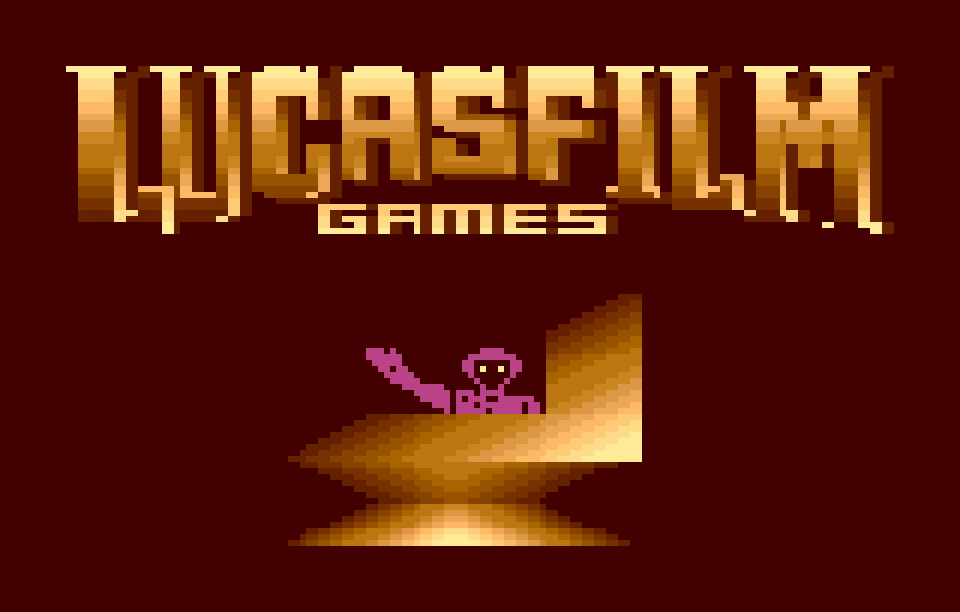
- Intro: the original's intro – the logo, the rotofoil gliding in and its pilot waving – with its sound. It was recorded from the Atari version in an emulator and plays from the cartridge, 25 seconds in a loop, until a button is pressed (not in the version made by the ROM Builder: it starts with the title pages).
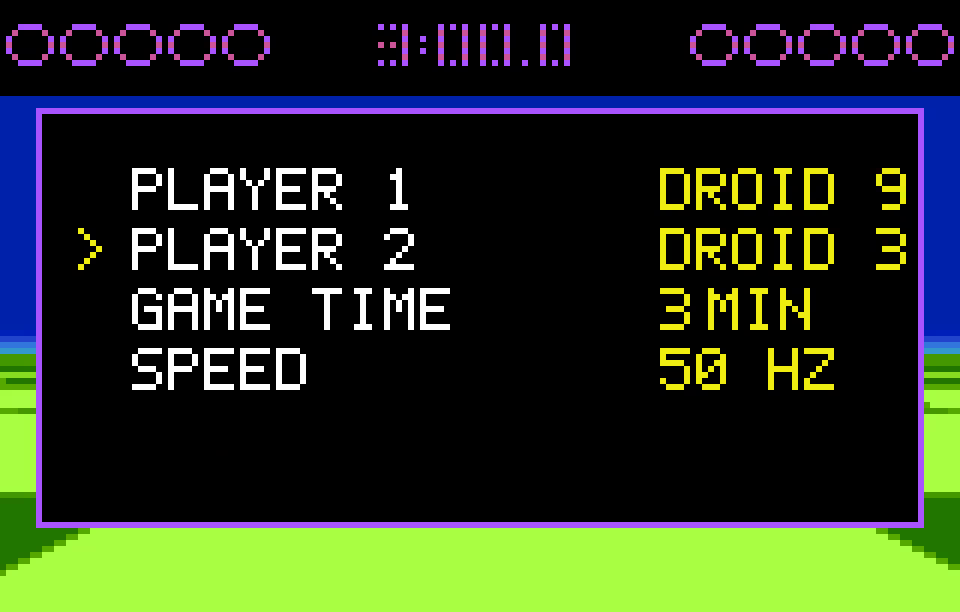
- Start screen: the original's title pages over the field, the hidden author pages included. The menu sets player 1 (human or droid 1–9), player 2 (droid 1–9), the game time (1–9 minutes) and the speed. Left alone, it starts a demo with two droids, as does Option 2.
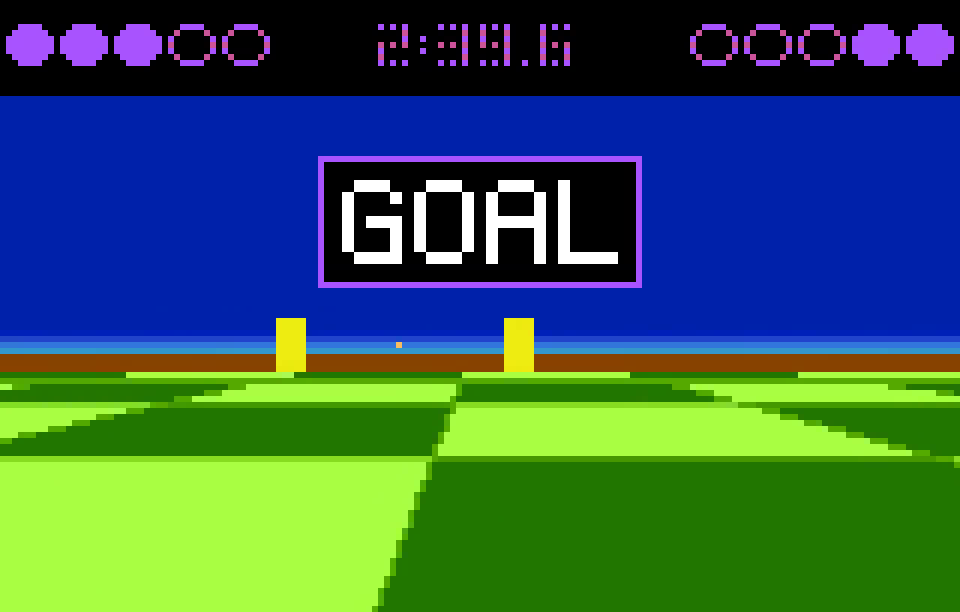
- Match: kick-off, catching and shooting the plasmorb, goals with the goalposts closing in, the clock, the result and back to the start screen. Two droids can play against each other, as in the original.
- One screen per player: instead of the split screen of the original, each player gets the whole Lynx screen. Player two plays on a second Lynx over the ComLynx cable: the two handhelds find each other on the start screen, one runs the game and sends the picture data, music and sound, the other sends its stick and sees the match from the second rotofoil, as in the lower half of the original screen.
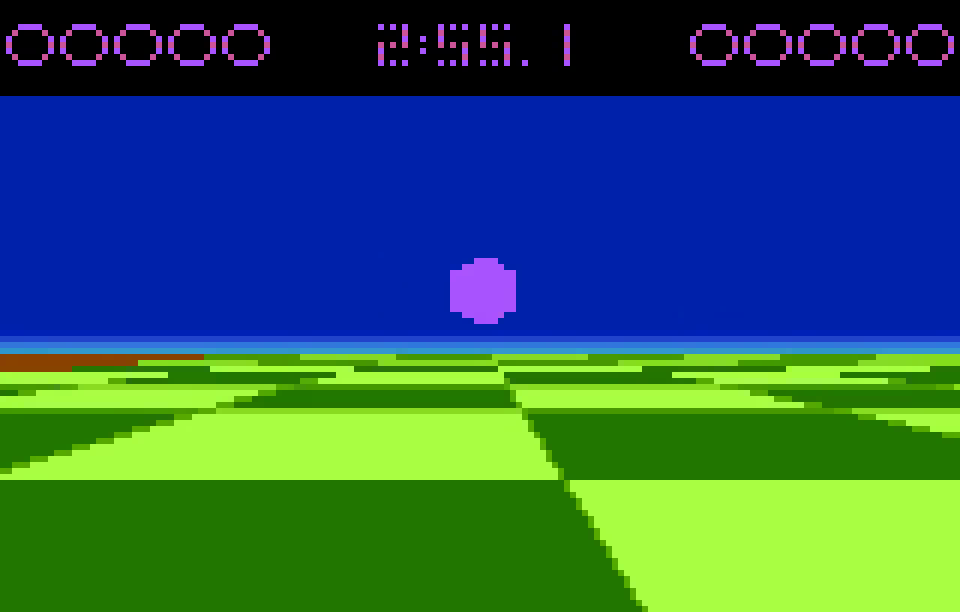
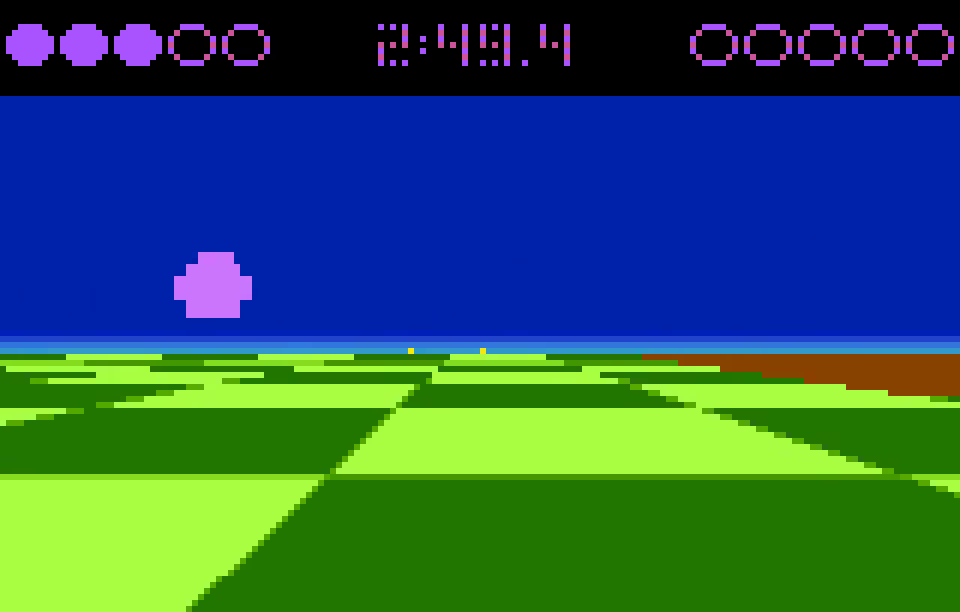
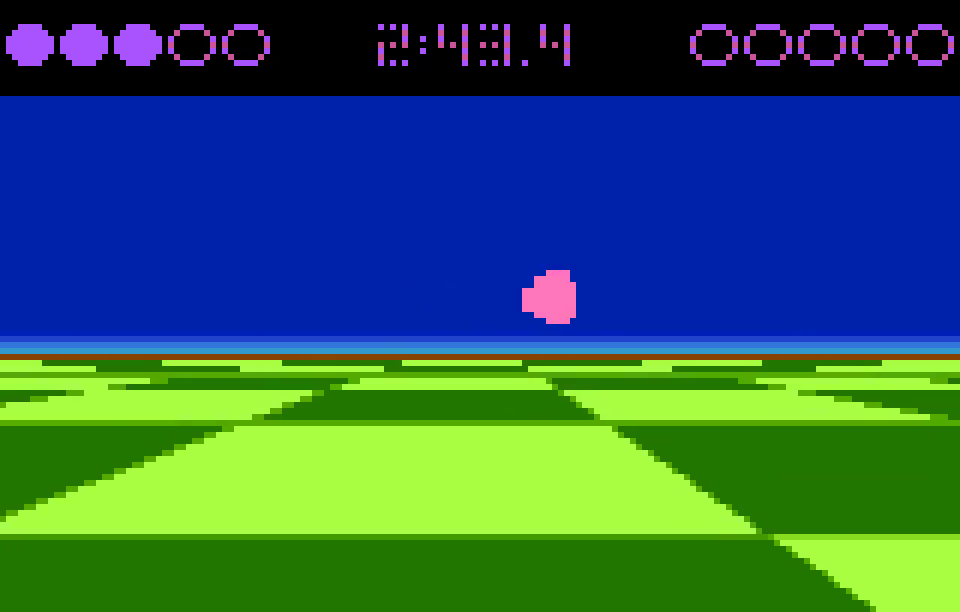
- The picture: checkerboard floor with depth shading and soft edges, sky gradient, brown ground outside the field, goalposts, the rotofoil seen from the front, back or side, the status line with ten score circles and the clock. Rotofoils and plasmorb have the original's colours – the plasmorb shows who holds it – and at 50 Hz the plasmorb uses the original's own pictures, spinning.
- Sound: the music driver of the original with its improvised riffs, converted from the Atari sound chip to the Lynx; in 60 Hz mode tuned like an NTSC Atari.
- 50 or 60 Hz: on the start screen or in the pause you can switch between the pace of a PAL Atari (50 steps per second) and of an NTSC Atari (60). Every frame is drawn either way; the cable game always runs at 50 Hz.
From the demo video
Status
- Playable against the droid and over the cable from the start screen to the result, in the Felix emulator and in a test emulator that connects two Lynx with a cable.
- Checked against the original: the game logic step for step (512 steps identical), the picture with screenshots of the original laid over the Lynx.
- Open: real hardware, with and without the cable, has not been tested yet.
- Download: the ROM Builder makes the Lynx version from your own copy of the Atari game. The ROM itself contains translated code of the original program, so it is never shared here.
Controls
| D-pad | Steer the rotofoil |
| A | Catch and shoot the plasmorb |
| Pause | Pause |
| Option 1 | On the start screen or in the pause: 50 Hz (PAL pace) or 60 Hz (NTSC pace) |
| Intro | Any button: on to the start screen |
| Start screen | A: start, Option 2: demo, B or the d-pad: menu |
| Menu | Up / down: choose a line, left / right: change it, A or B: start |
| Pause + B | Back to the start screen |
Good to know
The video at the top is the release video: the Lynx version as the ROM Builder makes it, recorded in an emulator – the original’s title pages and the menu, a match of droid 9 against droid 2 at 50 Hz, the switch to 60 Hz in the pause, and two Lynx linked by cable, each showing the match from its own rotofoil.
The demo video (link above) starts with the original’s intro, which the version made by the ROM Builder does not include, and shows droid 9 against droid 3; the pictures above come from it.
The original splits the screen for two players; on the Lynx each player has a handheld of their own, so the picture uses the whole screen and is scaled so that it covers the original's view.