MON
The whole dungeon
All 14 levels with their monsters, items, texts and sounds – read from your Atari ST disk image of Dungeon Master 1.2.

Fan project · Pre-Alpha v0.2
for the Atari
The complete classic. In your hands.
FTL's legend from 1987, ported from the Atari ST: the dungeon, the monsters, the magic and the sounds come straight from the original game, one to one – with smooth movement, a mouse mode, stereo sound and the colours of the ST. You will build it yourself from your own copy of the game.
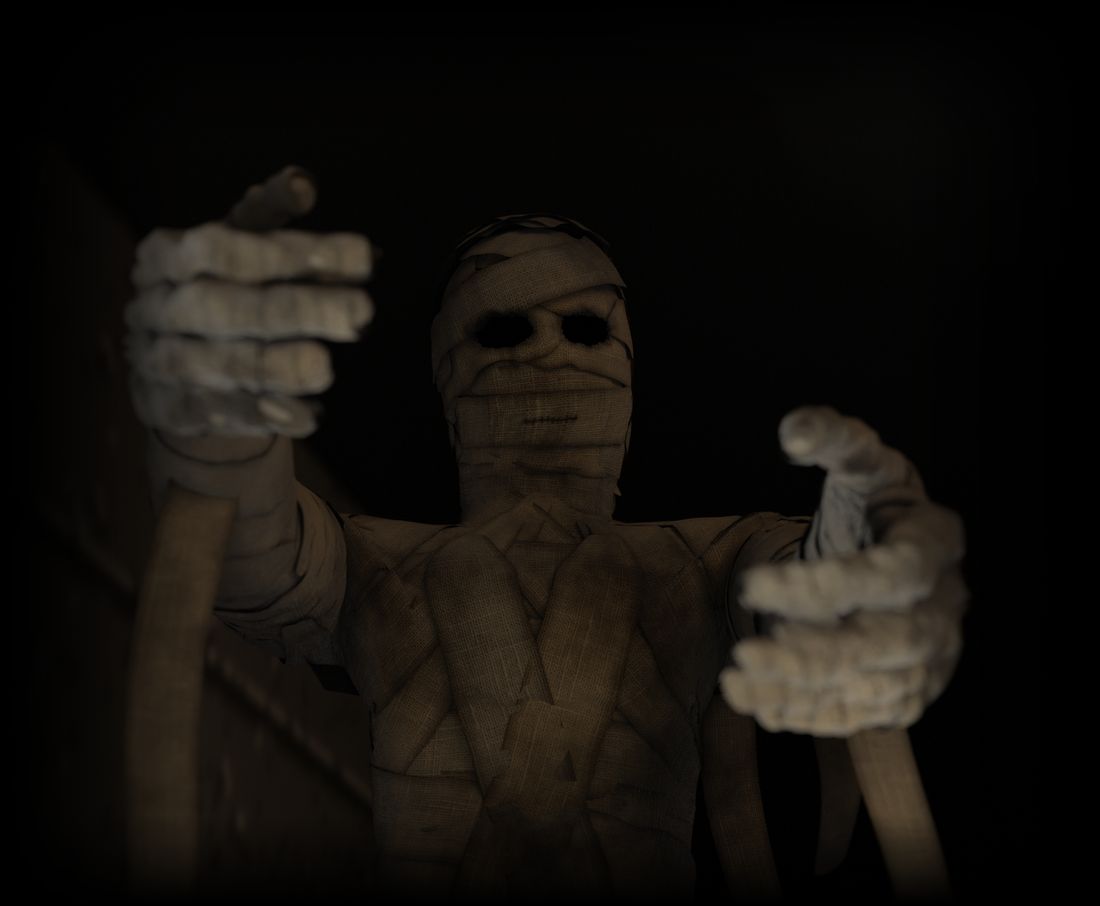
Pre-Alpha v0.2 – an early test version: the gate behind the first mummy is still locked. ROM Builder for Windows 10 / 11 (14.6 MB, no installation) · Linux command line (3.1 MB) · what is in it
Five minutes on a Lynx I: every button lights up when it is pressed, and the screen shows what it does – walking, classic or smooth movement, fighting, choosing actions, the mouse mode, magic, eating and drinking, saving.
Not a remake: the original game, read from your own disk and rebuilt for a handheld.
All 14 levels with their monsters, items, texts and sounds – read from your Atari ST disk image of Dungeon Master 1.2.
The monsters do not wait for you. One tap on A and the champion under the combat cursor strikes, then the cursor moves on to the next one who is ready.
Power, element, form and alignment: cast the spells of the original with up to four runes in the rune window.
The full inventory of every champion: weapons and armour, chests and scrolls, food and water.
Real-time 3D in-between frames when you walk and turn – or step by step as in the original. You choose in the pause menu.
The palette and grey tones of the Atari ST, the light of your torches – and the sounds in stereo on a Lynx II.
Save your game from the pause menu and continue later – RESUME on the title gate loads it.
A new interface for the small screen: the champions on top, their hands at the side, a rune window over the dungeon – and a mouse mode to click everything as on the ST.
In Dungeon Master, magic is a language. A spell is a word of up to four runes: first the power, then element, form and alignment. Try it – the spells below are the ones of the original game.
The rune panel needs JavaScript.
Always start with a power rune: LO is the weakest, MON the strongest.
Screens of the current build, recorded in the Felix emulator. Click one to see it large.
The ROM Builder turns your own copy of the game into a Lynx cartridge image. It contains no game data: graphics, levels, texts and sounds are read from your disk image on your PC, and nothing is sent anywhere.
Download the ROM Builder Pre-Alpha v0.2 (14.6 MB, Windows 10 / 11).
| Walk mode | |
| D-pad | Up / down: step forward / back. Left / right: turn. |
| B + left / right | Step sideways |
| B + up / down | Move the combat cursor to the previous / next champion who is ready, without an action |
| B tap | Touch the wall in front: mirrors, buttons, levers, door buttons |
| A tap | The champion under the combat cursor does their remembered action (at first the first one, melee first); then the cursor moves on to the next champion who is ready. |
| A hold | The actions appear in the text line: up / down chooses the champion, left / right the action. Release A to do it (it is remembered), B cancels. |
| Mouse mode (Option 1, again: back) | |
| D-pad | Move the pointer (it speeds up). B + direction jumps to the next click spot. |
| A | Left mouse button: take and put down items (floor, alcoves, both hands, inventory), press buttons, click the arrow panel; on a portrait: open the inventory. |
| B tap | Right mouse button: on an action hand (right) its actions; on a portrait: this champion leads; in the dungeon view: the leader's inventory. |
| Magic and inventory (Option 2) | |
| Option 2 | Spell window: the D-pad chooses the row and the rune, A sets the rune or casts, B takes back the last rune (with no rune: closes). Again: inventory. Again: back. |
| Eat and drink | In the inventory take food or a water flask with A and click the mouth. |
| Pause | |
| Pause | Pause menu: movement (classic steps as in the original, or three levels of smooth in-between frames), sound volume, save game, load game, back to the game. RESUME on the title gate also loads the saved game. |
| Pause + Option 1 | Restart |
An early test version, so that you can try the controls, the look and the feel on a real Lynx or in an emulator. You can play the original intro, the Hall of Champions on level 1 and the first part of level 2 up to the first mummy – the gate behind the first mummy is still locked and opens in a later version. Everything in it should work: walking, fighting, magic, the inventory, eating and drinking, saving. Found a bug, or something feels wrong? Please tell us with the feedback form.
No save chip on your cartridge? Then Save game shows your saved game as a few code pictures. Take a photo of each and keep them: a page that puts the saved game back into your ROM file follows soon.
Windows may show “Windows protected your PC” the first time, because the program is not signed. Click More info and then Run anyway. The builder checks its result: “identical to the reference build” means your ROM is exactly the one the port was tested with.
SHA-256 of the Windows download: 049b60726091ec18b63db386cbb2afbc81abd24c761c461084bf7b5683e7bc61
dm-lynx-builder-0.2.pyz (3.1 MB) runs on 64-bit Linux on x86-64 and ARM64
(for example a Raspberry Pi with a 64-bit system) and needs only Python 3.8 or newer:
python3 dm-lynx-builder-0.2.pyz "Dungeon Master.stx". Without arguments it shows its help;
--info IMAGE only checks the disk image.
SHA-256 of the Linux file: c5f8334f90dabe37bd0ca15e8d58d6bfb3b0edba4d20f9f6f96a022b27b9b227
Had the idea and decided step by step what the port should become: one to one with the original data, smooth movement in real 3D, a mouse mode, stereo sound, the colours and grey tones of the Atari ST. Played every build, looked at every frame and said what was wrong, what to try and what to leave out.
For the teaser: the story, the scene after the credits, and the final word on every shot, sound and texture.
Analysed the original program and wrote all the code: the Lynx game in 6502 assembler, the data converter, the builder, the tests and these texts. Proposed the technical solutions and made every change the author asked for.
For the teaser: the edit, the music, the sound design and the 3D scene after the credits, all made with code.
Using AI is no secret here. The AI did most of the work, and fast – but the ideas, the taste and the patience to look at every frame once more came from a human, and the heart of the game is still FTL's Dungeon Master from 1987. The project summary (PDF) tells in detail who did what.
Questions about the port, thoughts on the teaser, or an idea? Let me know.