Made by a human and an AI
The author
Read that many players find Viking Child too slow and wanted to know why. Decided after the analysis that only the Viking should get faster – not the whole game, and not just the frame rate. Chose the name, asked for the comparison video, the trailer, this page and the builder, decided how the trailer should look and sound, and checked every result.
Claude, the AI
Analysed the cartridge: unpacked the game files, disassembled the code and measured every game step in an emulator. Wrote the LX code in 6502 assembler, the packer, this builder, the tests, the videos and these texts, and composed the Viking music of the trailer.
Using AI is no secret here. The AI did the work, the human set the course – and the game itself is still Imagitec's 1991 Viking Child: designed by Nigel Cook, programmed by David Chiles, graphics by P. Goldsmith and Nigel Cook, music by Barry Leitch. The project summary (PDF) tells in detail who did what and how it works.
How it works
Start the tool
Run the program – or simply drag your cartridge image onto it. Python or other software is not needed.
Select your cartridge image
Choose the .lnx or .lyx file of Viking Child, or a .zip that contains it. The build takes about two seconds.
Play on the Lynx
Viking_Child_LX.lnx is saved next to your file. Play it in a Lynx emulator such as Felix or Handy, or on a real Lynx with a flash cartridge.
Why is the original so slow?
Not the frame rate
The game runs at a steady 30 game steps per second on a 60 Hz screen and hardly ever slows down. It is not badly programmed: the background is drawn efficiently, and each step leaves time to spare.
One pixel per step
The Viking moves one pixel per game step: 30 pixels per second, one screen width in more than five seconds. A jump rises 20 pixels at one pixel per step and falls just as slowly. The game finds the ground by exact pixel positions, so it cannot simply take bigger steps. The Amiga and Atari ST versions play faster.
What LX changes
- The Viking runs twice per game step. Each run is exactly one step of the original – one pixel, the same collision check, the same jump curve. So he walks 60 instead of 30 pixels per second, and every jump keeps its height and width but takes half the time. Every jump of the levels still works.
- Everything else keeps the original pace: enemies, timers, the energy clock, sound and music. Being knocked back by an enemy also happens at the original pace.
- Energy: the Viking's energy drops with time (8 points every 48 seconds), whether he walks or stands. In LX he covers the same way in less time, so he arrives with more energy left.
- Walking animation and attack keep up with the faster Viking. With the SPEED item he walks four pixels per step.
- Switch in the pause: under GAME PAUSED the line VIKING CLASSIC FAST appears; A or B switches. FAST is the default. CLASSIC plays exactly like the original – tested step by step against the original game.
- Same frame rate: 30 frames per second as before; LX changes the speed of the Viking, not the picture.
On the Lynx
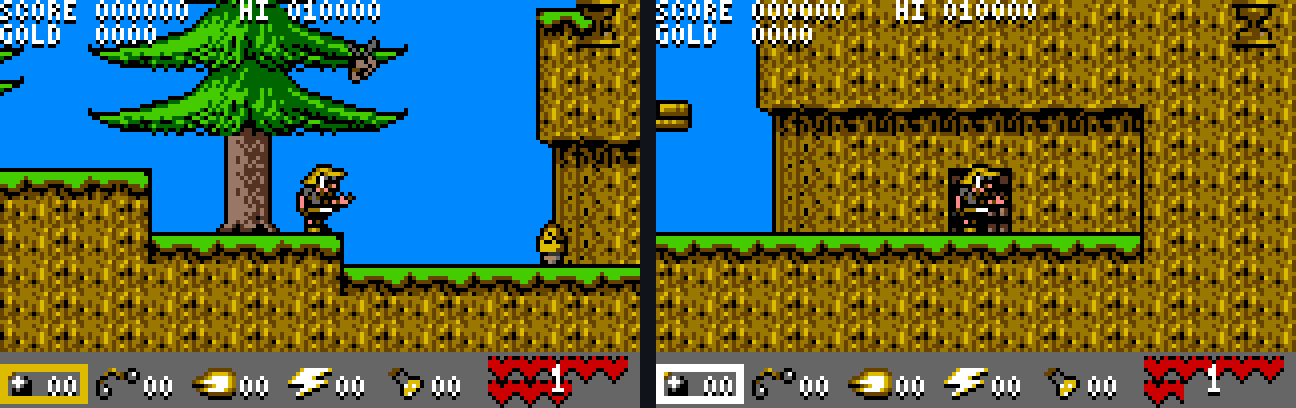
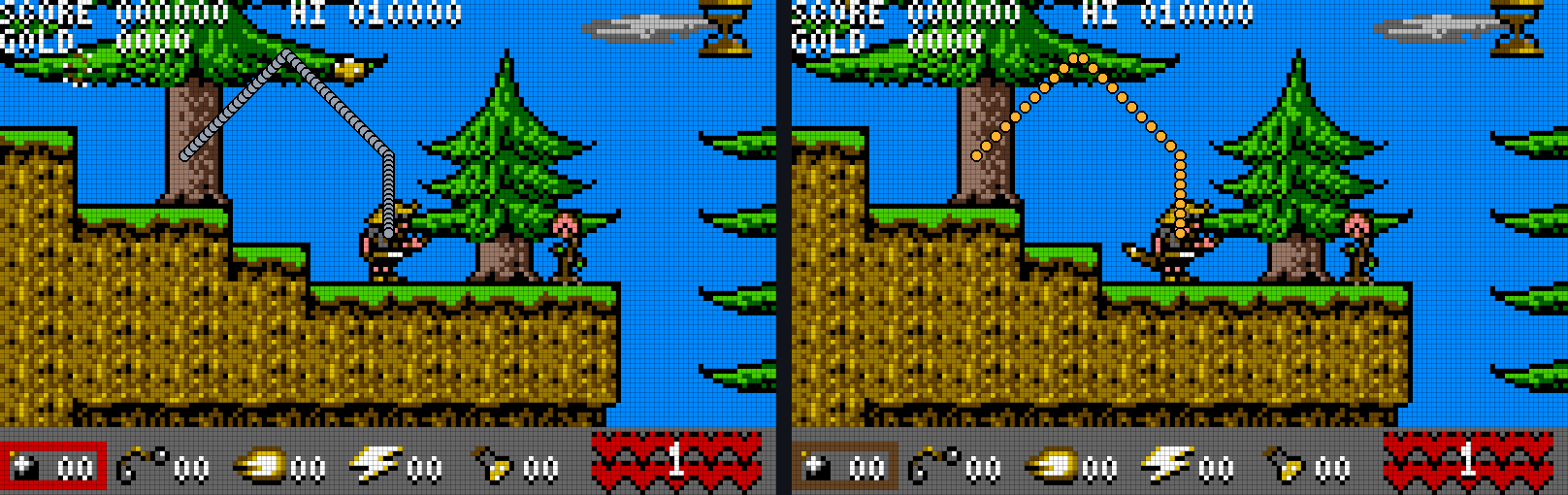
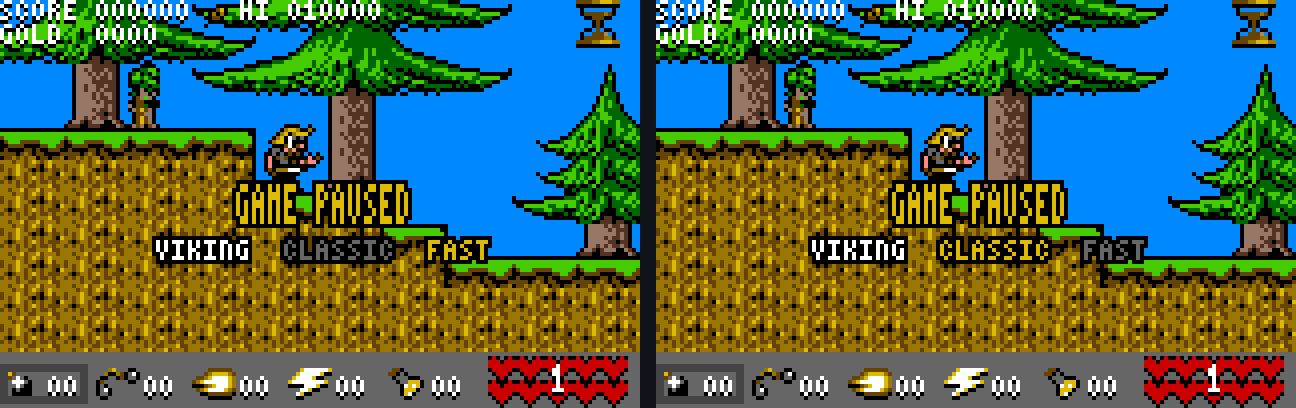
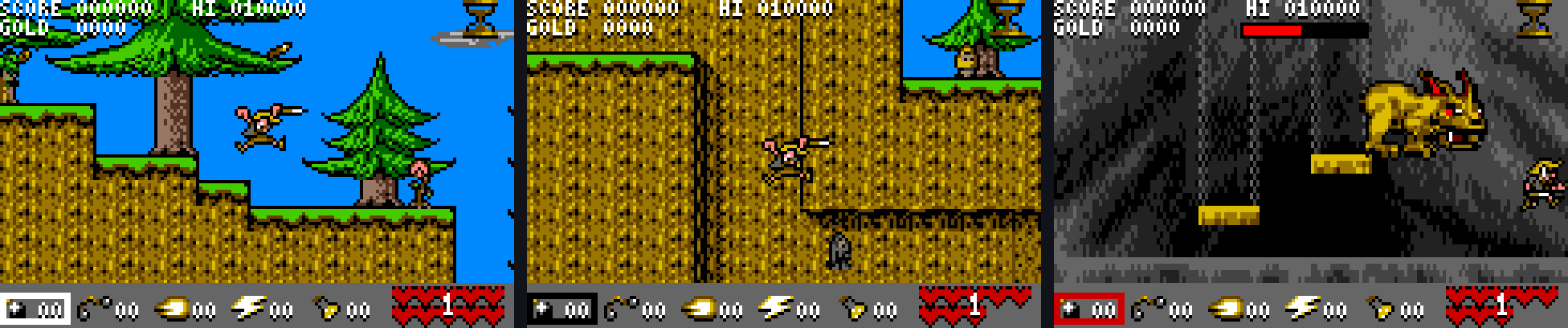
What you need
Your own cartridge image of Viking Child for the Atari Lynx (Atari Corp., 1991, developed by Imagitec Design), as
- an .lnx file (with the usual 64-byte header),
- an .lyx file (the plain 256 KB cartridge contents), or
- a .zip archive that contains one of them.
The builder accepts only an exact copy of the original cartridge and checks every byte of it. Damaged or changed images are refused with an explanation. The name in the file header does not matter.
Controls
| D-pad | Move – as in the original |
| A | Attack – while paused: switch CLASSIC / FAST |
| B | Jump – while paused: switch CLASSIC / FAST |
| Option 1 | Use the selected item |
| Option 2 | Select the next item (the five boxes at the bottom) |
| Pause | Pause, shows VIKING CLASSIC FAST below GAME PAUSED – with Option 1: restart, with Option 2: turn the picture round |
Your choice stays: CLASSIC or FAST is kept until you switch the Lynx off, also after Game Over. After switching on, LX starts in FAST.
Good to know
Everything happens on your PC. The builder checks its result: “identical to the reference build” means your Viking_Child_LX.lnx is exactly the file that was tested.
Tested in the Felix emulator: level 1 and its dragon fight, CLASSIC against the original step by step, FAST against the original jump by jump, and a five-minute run with random input, pauses and Game Over. The later levels and real hardware have not been tested yet – feedback is welcome.
Windows may show “Windows protected your PC” the first time, because the program is not signed. Click More info and then Run anyway.
SHA-256 of the download: e6204af41fc1cb977cdf2dd41ccabcbf25fd2d7b379e3d7f896130d370f910f4
Linux command line
Download vc-lx-builder-0.1.pyz and run it with your file, for example:
python3 vc-lx-builder-0.1.pyz "Viking Child.lnx"
Without arguments it shows its help; --info FILE only checks your file. Viking_Child_LX.lnx is saved next to your file, or in the folder you name as a second argument. It needs nothing but Python 3.8 or newer and runs on any Linux, for example on a Raspberry Pi.
SHA-256 of the Linux file: 7295f04fc9827926980e87f9732d6420cfaf8a518bd07b0dd4d521c5e00c02e3
Version history
- First release. The Viking runs two original game steps per game step: he walks 60 instead of 30 pixels per second, and every jump keeps its height and width but takes half the time. Enemies, timers, the energy clock, sound and music keep the original pace.
- The pause shows VIKING CLASSIC FAST below GAME PAUSED; A or B switches between the fast Viking and the original game. FAST is the default.
- ROM Builder for Windows (window) and Linux (command line): builds Viking Child LX from your own cartridge image (.lnx, .lyx or .zip) and checks the result against the reference build.
Feedback
Found a bug in the ROM Builder or in Viking Child LX, played the later levels, or have an idea? Let me know.